
技术实践
如何封装一个Button组件
之前我在公司写了pm-ui库[https://github.com/hangjob/pm-ui](https://github.com/ha

羊先生2022.03.23 · 1 分钟阅读 · 115 阅读

之前我在公司写了pm-ui库https://github.com/hangjob/pm-ui,设计过一些组件,因为ui库开发需要时间成本的投入,边做公司项目边开发库
在为Button组件赋能
html
<template>
	<vxe-button :size="size" :loading="loading" :disabled="disabled" @click="handleClick" :status="status"
				:content="content"></vxe-button>
</template>
<script>
import {throttle, debounce} from "lodash"

const isDefined = (val) => {
	return val !== undefined && val !== null
}
export default {
	// 只针对现有业务做部分封装,需要更多需要继续扩展
	props: {
		status: {
			type: [String],
			default: 'blue'
		},
		content: {
			type: [String, Number],
			required: true
		},
		size: [String],
		loading: Boolean,
		disabled: Boolean,
		debounce: [Boolean, Object],
		throttle: [Boolean, Object]
	},
	methods: {
		handleClick(evt) {
			if (!this.debounce && !this.throttle) {
				this.$emit("click", evt)
			} else {
				if (this._handleClick) {
					this._handleClick(evt)
				} else {
					if (this.debounce) {
						let options = {
							wait: this.debounce.wait || 200,
							leading: isDefined(this.debounce.leading) ? this.debounce.leading : true,
							trailing: isDefined(this.debounce.trailing) ? this.debounce.trailing : false
						}
						this._handleClick = debounce(
							function (evt) {
								this.$emit("click", evt)
							},
							options.wait,
							options
						)
					}
					if (this.throttle) {
						let options = {
							wait: this.throttle.wait || 1000,
							leading: isDefined(this.throttle.leading) ? this.throttle.leading : true,
							trailing: isDefined(this.throttle.trailing) ? this.throttle.trailing : false
						}
						this._handleClick = throttle(
							function (evt) {
								this.$emit("click", evt)
							},
							options.wait,
							options
						)
					}
					this._handleClick(evt) // 初次调用
				}
			}
		}
	}
}
</script>
<style lang="less">

</style>
实践效果
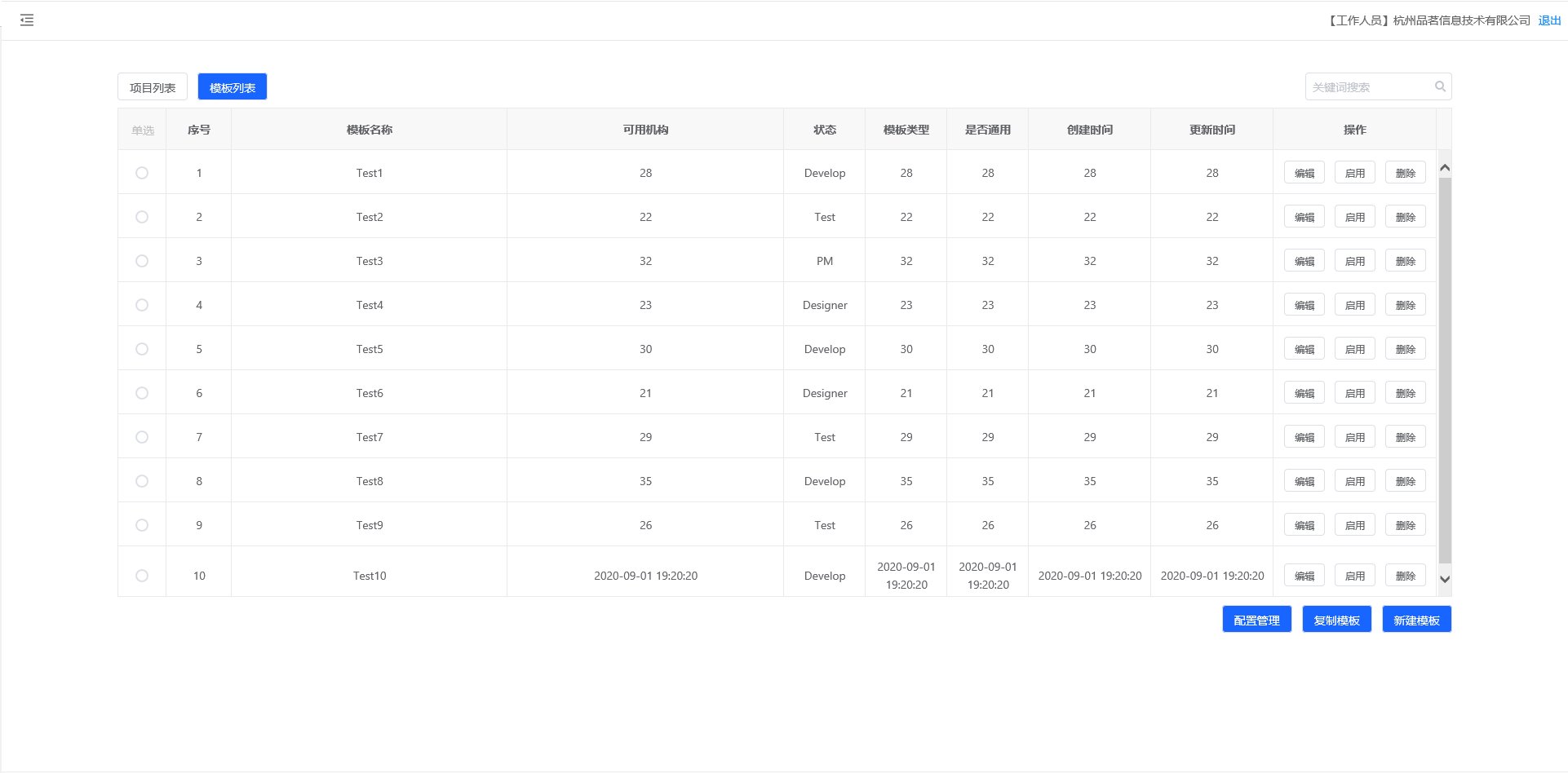
不同之处
在封装button的集成了防抖和节流,以及在参数方面按照loadsh的参数传递